Graff

Two directions, one Ethernet link

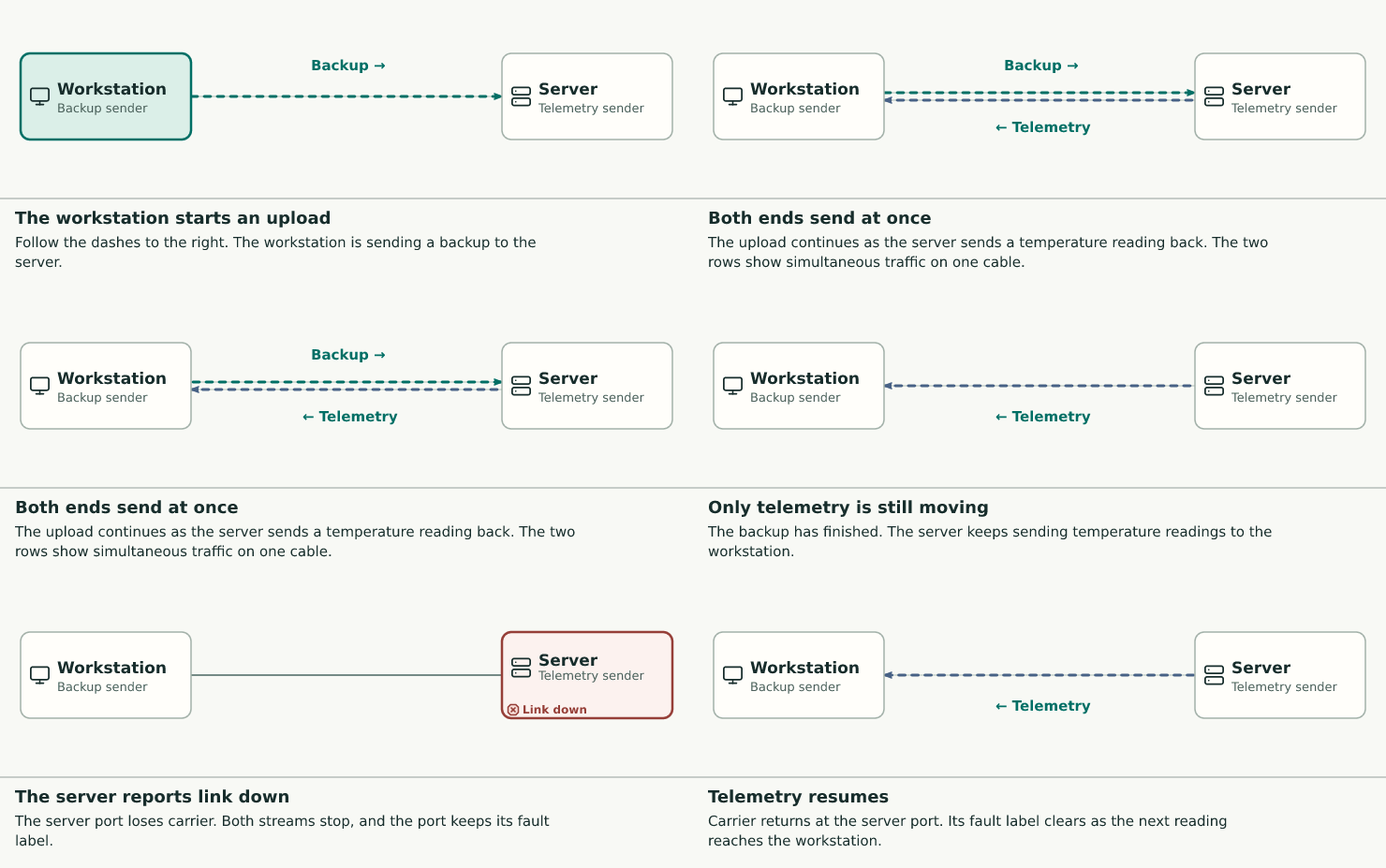
A backup and a sensor reading cross the same cable. Watch what happens when the server port loses carrier.
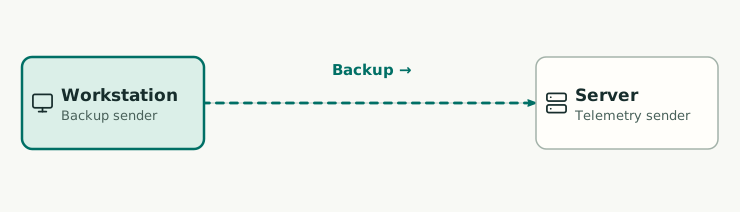
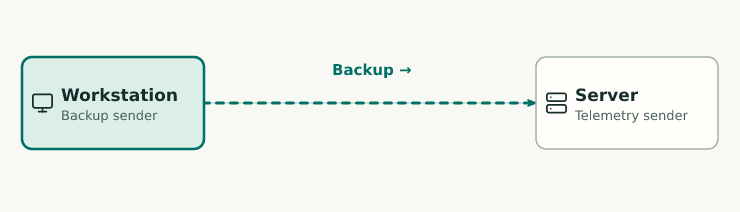
The workstation starts an upload. Follow the dashes to the right. The workstation is sending a backup to the server.
Enlarge diagram

Step 1 of 5

The workstation starts an upload

Follow the dashes to the right. The workstation is sending a backup to the server.

Back Next
Evidence and sources
Workstation → server
Backup frames
Source
Illustrative Ethernet event sequence.

Use this step in a chat

Give your assistant the step link and ask a question about what it shows.

“Which traffic overlapped, and what evidence tells us when the link went down?”

Files for this example

Read the Graff for this step
step upload focus workstation,wire value "Backup toward the server"

The diagram source names the parts and connections. The animation kit sets their positions and timing.